

WACUAAO HDMI 2.1 TV Sync Box Backlight Kit for Immersive Home Theater 4K 120Hz RGBIC for 40-85 inch TV PS5 Xbox Dolby Vision


WACUAAO HDMI 2.1 TV Sync Box Backlight Kit for Immersive Home Theater 4K 120Hz RGBIC for 40-85 inch TV PS5 Xbox Dolby Vision
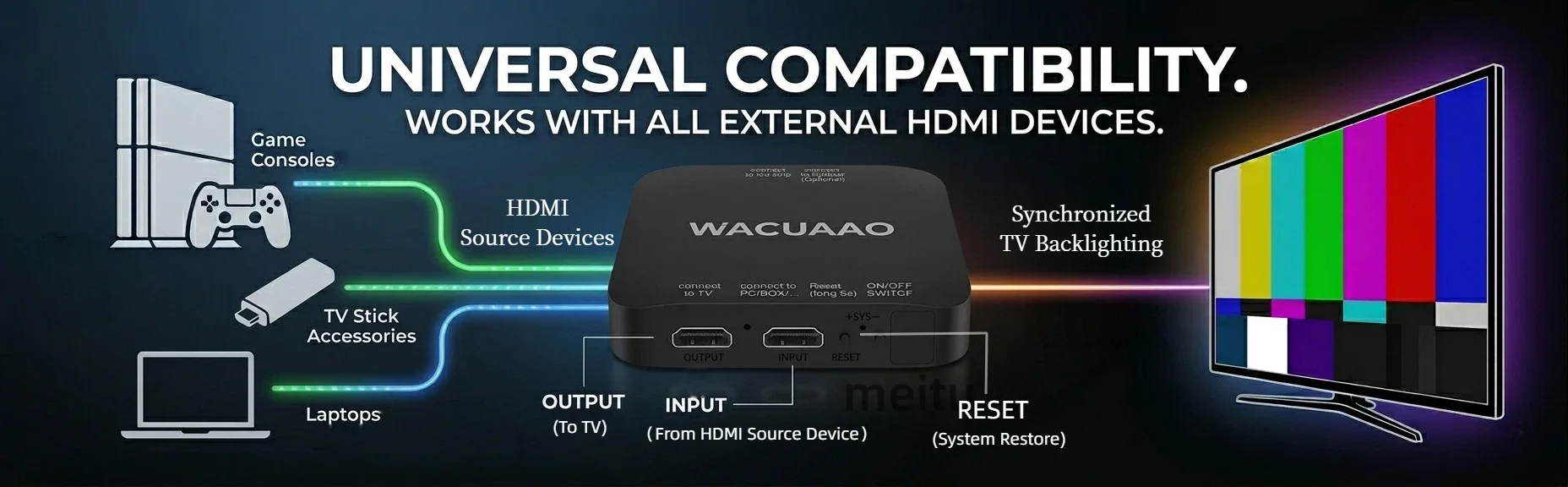
IMPORTANT: This system requires an External HDMI Source to sync colors. It does not work with built-in Smart TV apps.
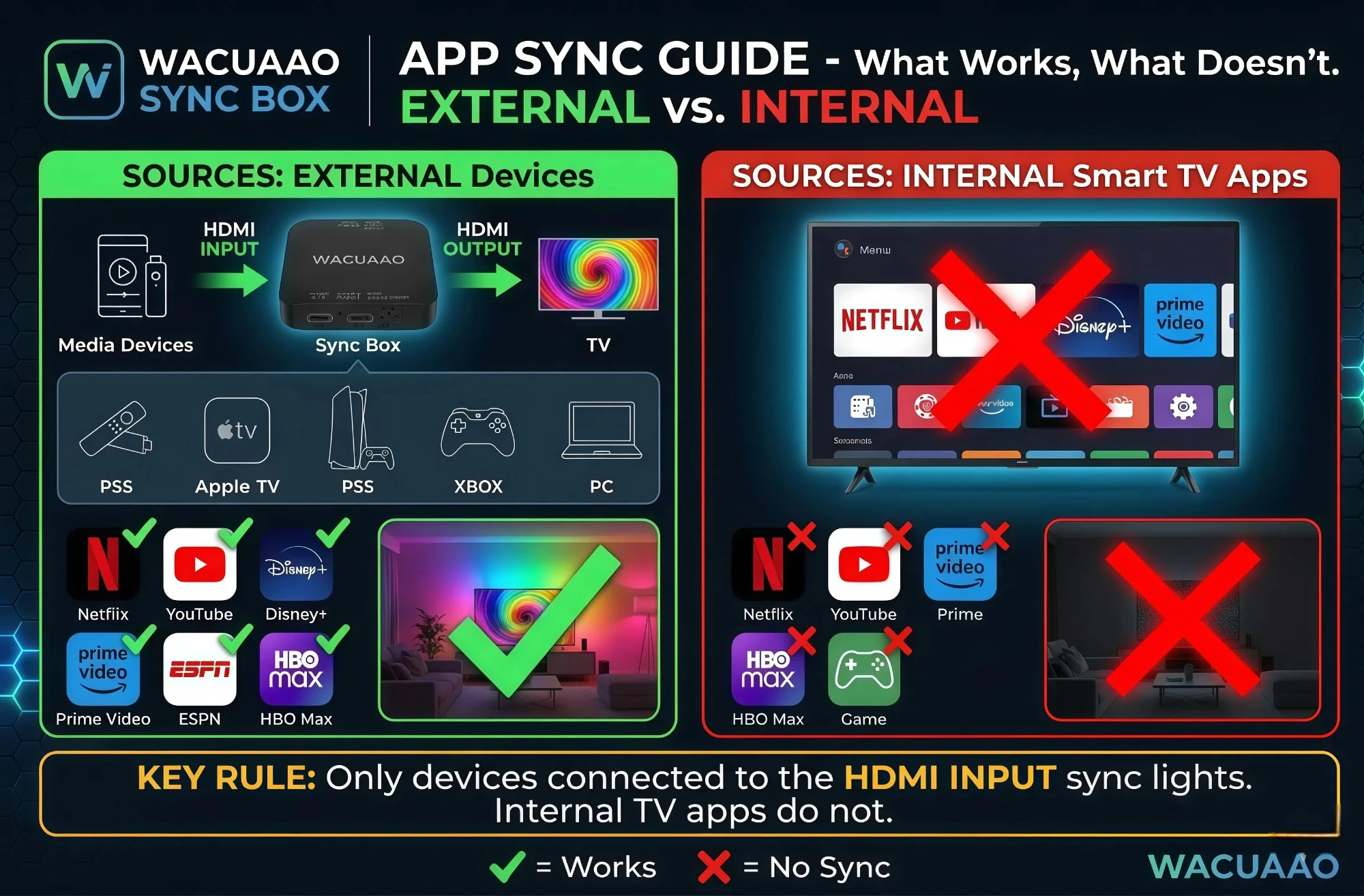
Compatible Devices (Examples): Apple TV 4K, Amazon Fire TV Stick, Google Chromecast, Roku Streaming Stick, Nvidia Shield TV, Sky Decoder, beIN 4K Media Server, OSN tv Box, Etisalat/du Set-top Boxes, Shahid VIP external boxes.
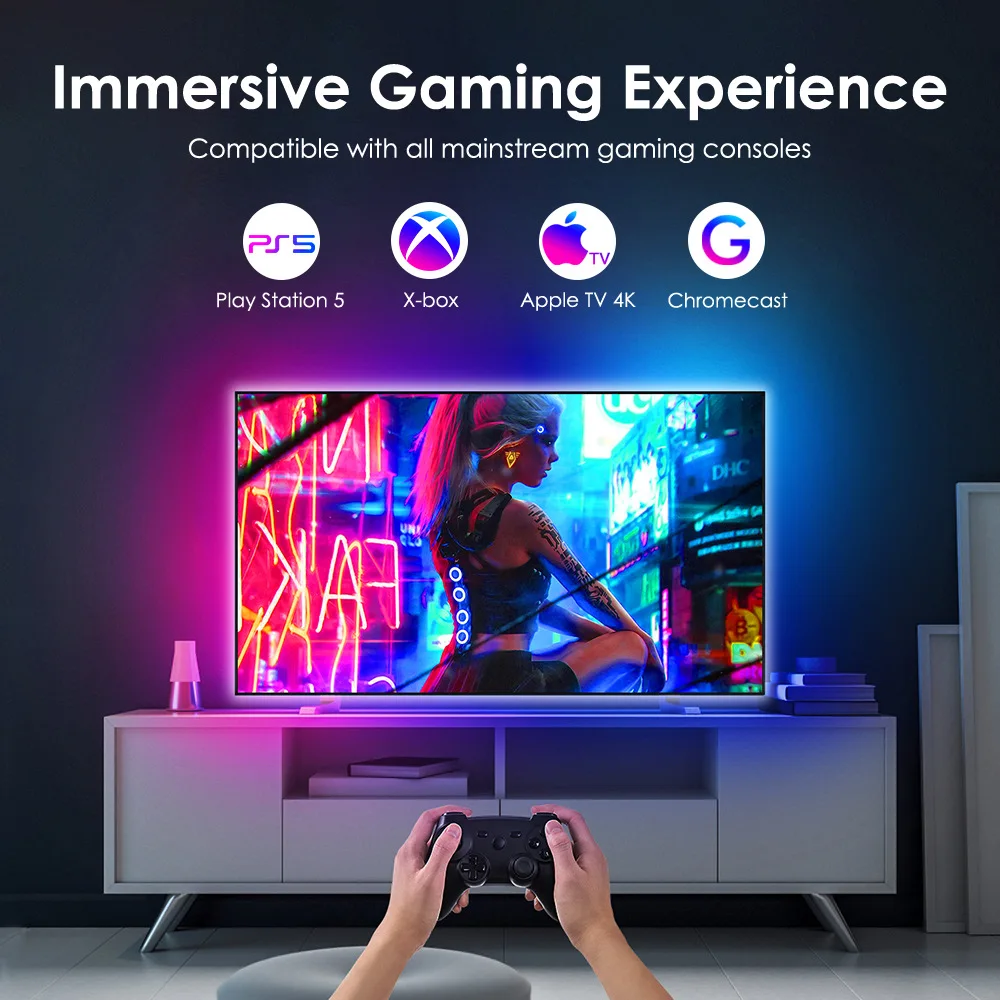
Gaming Consoles: PS5, PS4, Xbox Series X/S, Xbox One, Nintendo Switch.
Computers: Windows PC, MacBook (via HDMI/Hub).
TV Backlight Kit + Light Bar
Why WACUAAO?
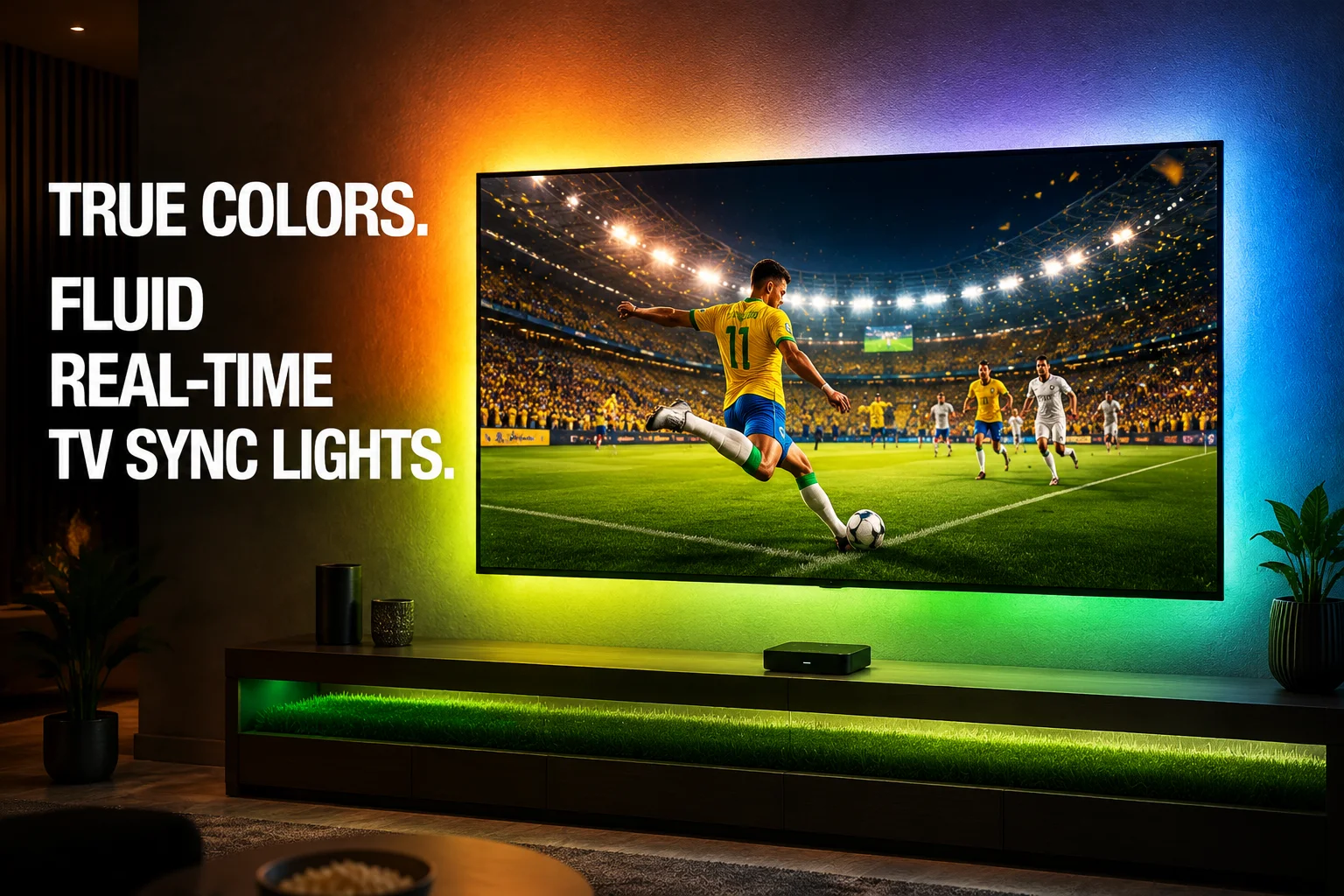
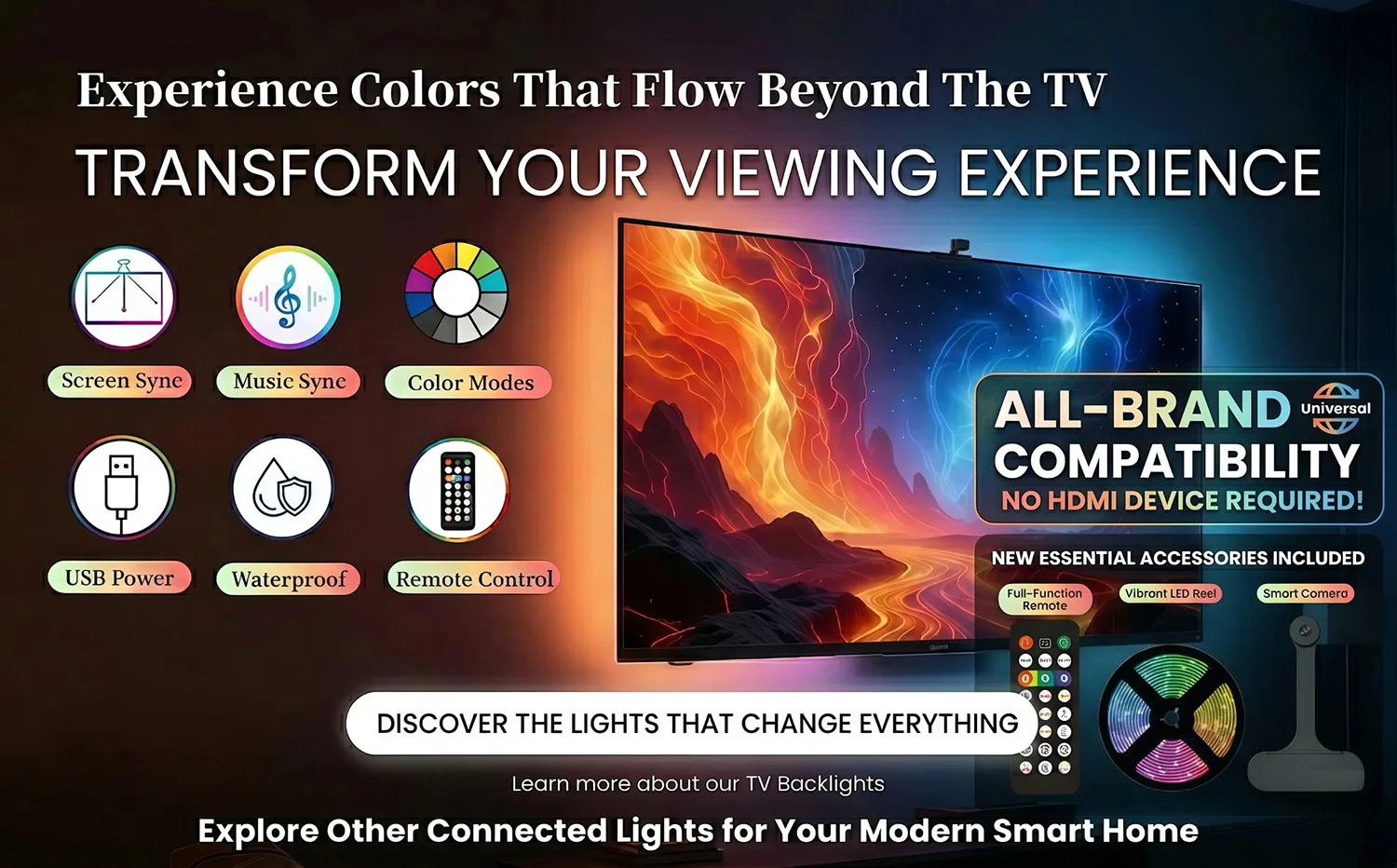
Zero-Latency Sync: Direct HDMI data extraction ensures the lights react instantly—no camera lag, no ambient light interference.
True Color Representation: Supports Dolby Vision & HDR10+, ensuring the LED colors exactly match the vivid tones on your screen.
Smart Ecosystem: Fully compatible with Alexa, Google Assistant, and the Tuya App. Group your lights and create the ultimate gaming/cinema atmosphere.
Music Mode: Built-in high-sensitivity mic allows the backlight to dance to your movies or Spotify beats.
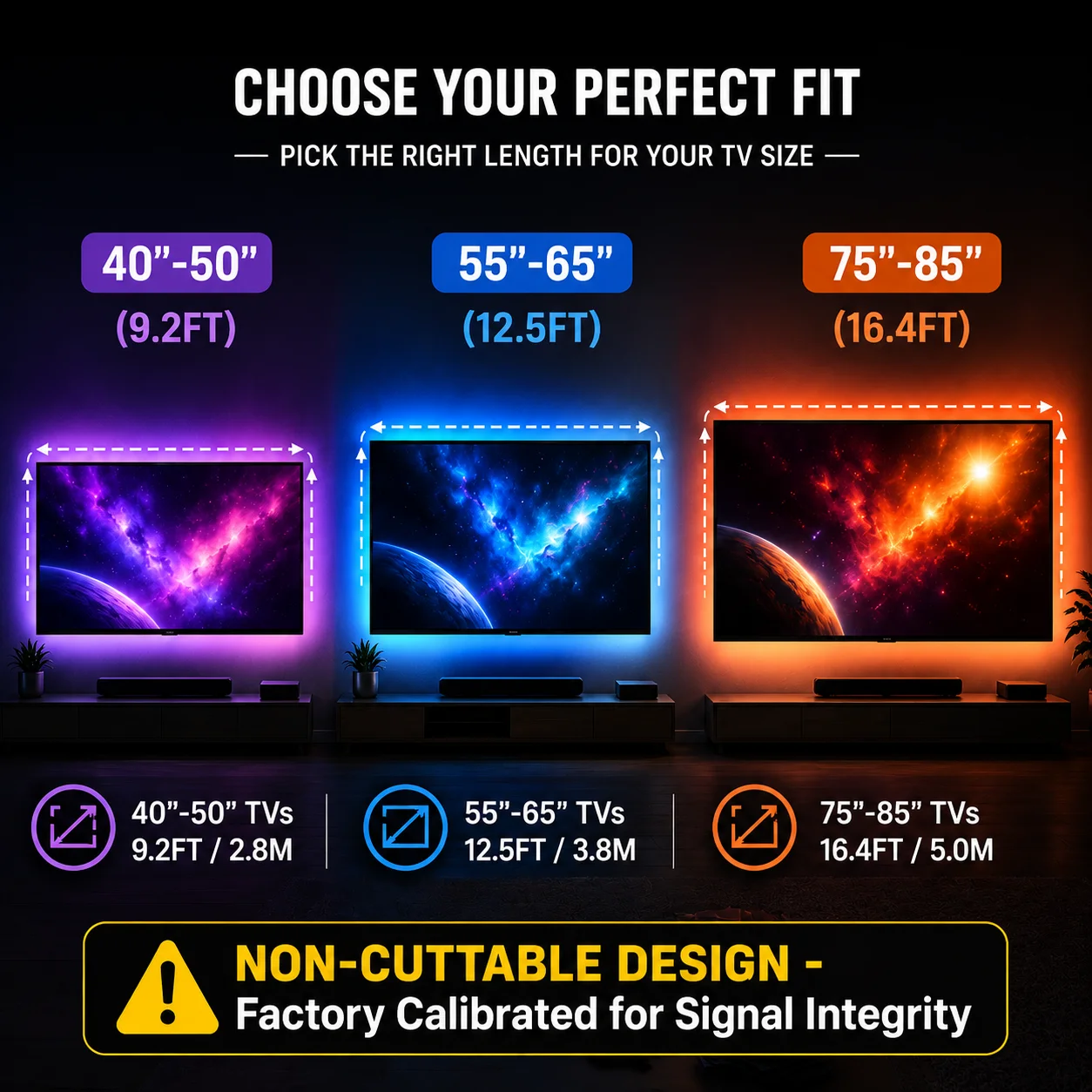
2.8 Meters (9.2ft): Perfect for 40" - 50" TVs.
3.8 Meters (12.5ft): Optimized for 55" - 65" TVs.
5.0 Meters (16.4ft): Designed for 75" - 85" Large Screens.
Choose Your WACUAAO Version
We offer two versions tailored for different entertainment setups. Please read carefully to select the one that matches your equipment and performance expectations.
Option A: The HDMI 2.1 Pro Edition (Recommended)
Best For: Hardcore Gamers with PS5, Xbox Series X/S, or High-End PC .
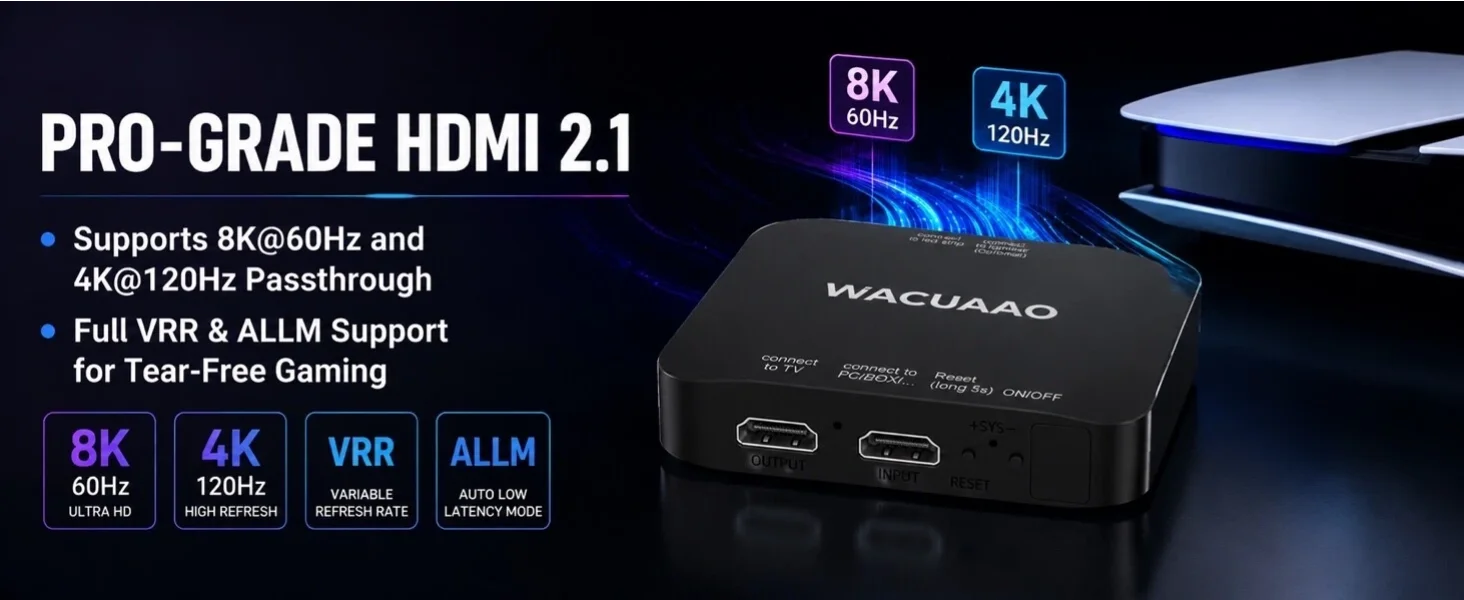
Performance: Unleash 4K @ 120Hz or 8K @ 60Hz ultra-smooth gameplay.
Advanced Features: Full support for Dolby Vision, HDR10+, ALLM, and VRR.
Experience: Zero latency, pixel-perfect synchronization for ultimate immersion.
Option B: The HDMI 2.0 Standard Edition
Best For: Movie Lovers & Casual Streamers using Fire Stick 4K, Apple TV 4K, Roku, Chromecast, or older consoles (PS4, Nintendo Switch).
Performance: Crystal clear 4K @ 60Hz video output.
Features: Standard HDR and minimal sync lag.
Experience: Premium "immersion-style" atmosphere for cinematic movie nights at a great value.
⚠️ IMPORTANT NOTICE FOR PS5 & XBOX SERIES X OWNERS ⚠️
Q: CAN I use the HDMI 2.0 Standard Edition?
YES, you can. It will synchronize the lights.
Q: What is the limitation?
If you connect a PS5 to the HDMI 2.0 Box, your powerful console’s output will automatically downgrade to match the HDMI 2.0 standard.
What You Will Lose:
NO 4K @ 120Hz (Gameplay will be capped at 60Hz).
NO Variable Refresh Rate (VRR) (for smooth gaming).
Our Recommendation: If you bought a next-gen console for 4K@120Hz performance, you must select the HDMI 2.1 Pro Edition.
Q: What should I do if part of the LED strip isn’t lighting up or colors are out of sync?
A: No problem! This is often a simple connection glitch. Here’s how to reset it:
Press and hold the "RESET" button on the sync box for 5 seconds (the strip will flash red).
Unplug the power adapter from the outlet for 10 seconds.
Plug it back in. The lights will perform a white chase effect — this means the reset is complete!
Pro Tip: This process helps recalibrate the LEDs and solves most sync issues instantly.
How to use with eARC Soundbars (Sonos, Bose, Samsung, etc.)?
To ensure both the light sync and high-quality audio (Dolby Atmos) work perfectly, please follow this connection sequence:
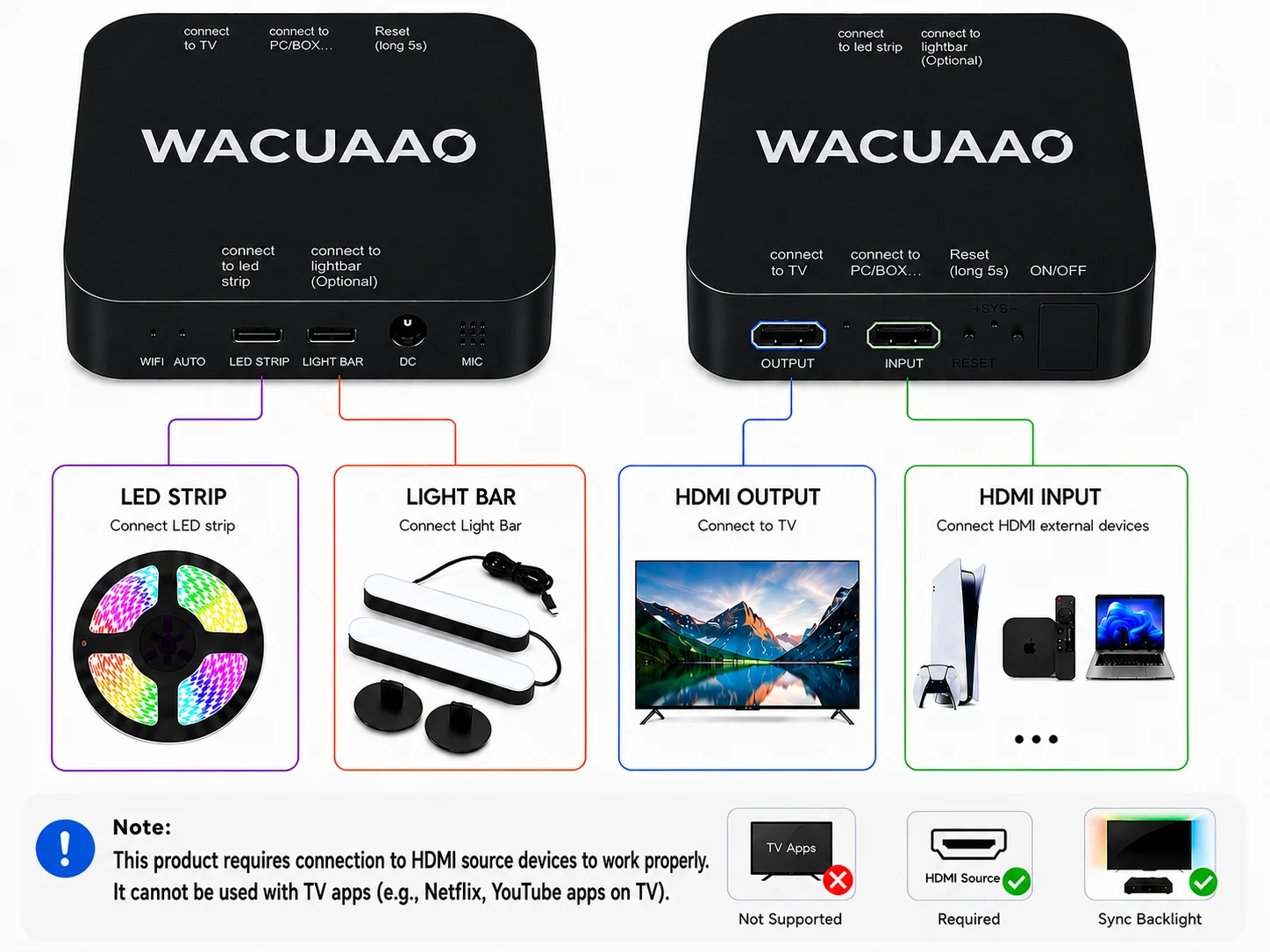
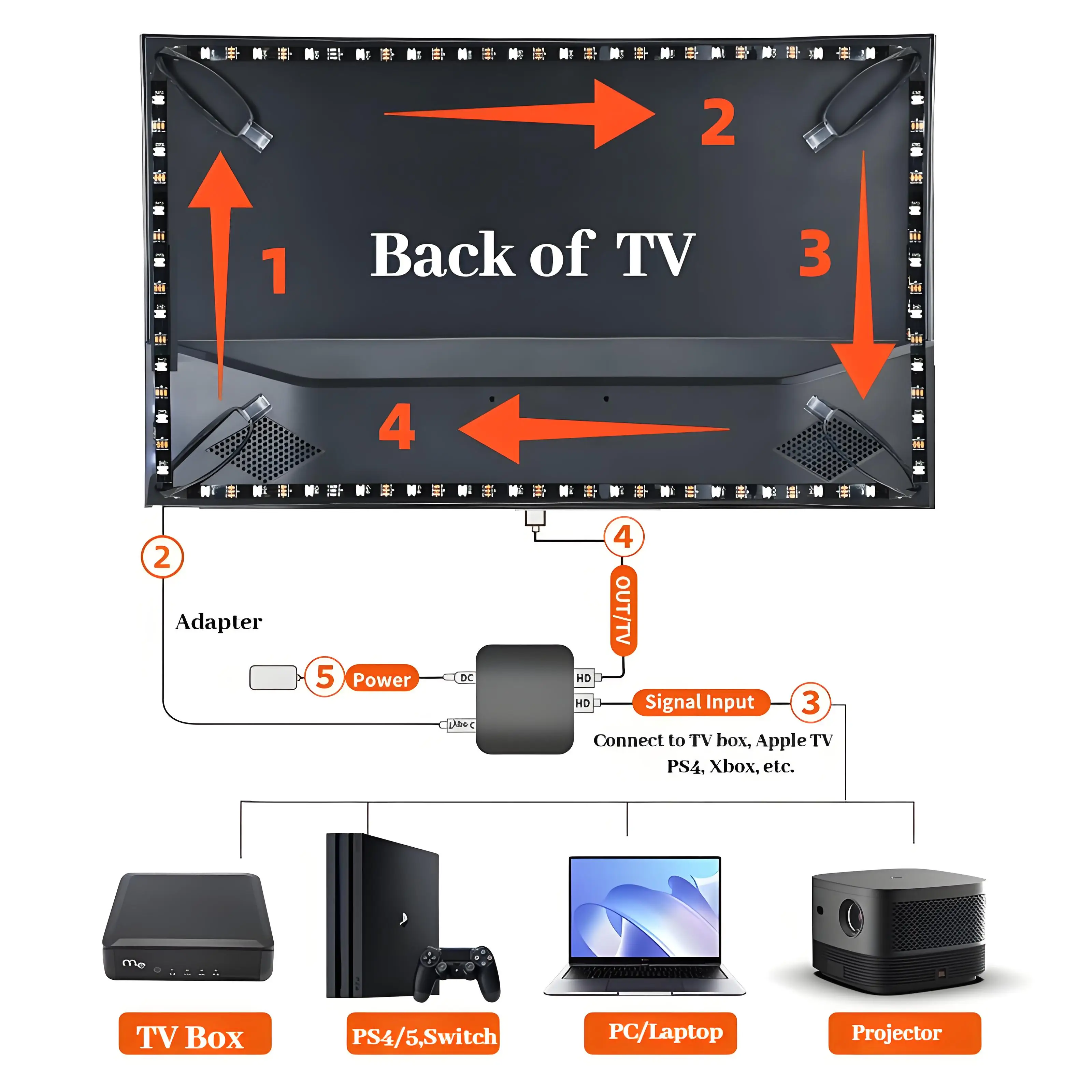
Input: Connect your Media Device (e.g., Apple TV) into the HDMI IN port of the WACUAAO Sync Box.
Output: Connect the HDMI OUT of the Sync Box to any Standard HDMI IN port on your TV.
Audio: Your Soundbar stays connected to the HDMI (eARC/ARC) port of your TV.
Settings: Ensure "HDMI-CEC" is enabled on all devices for seamless power-on/off.
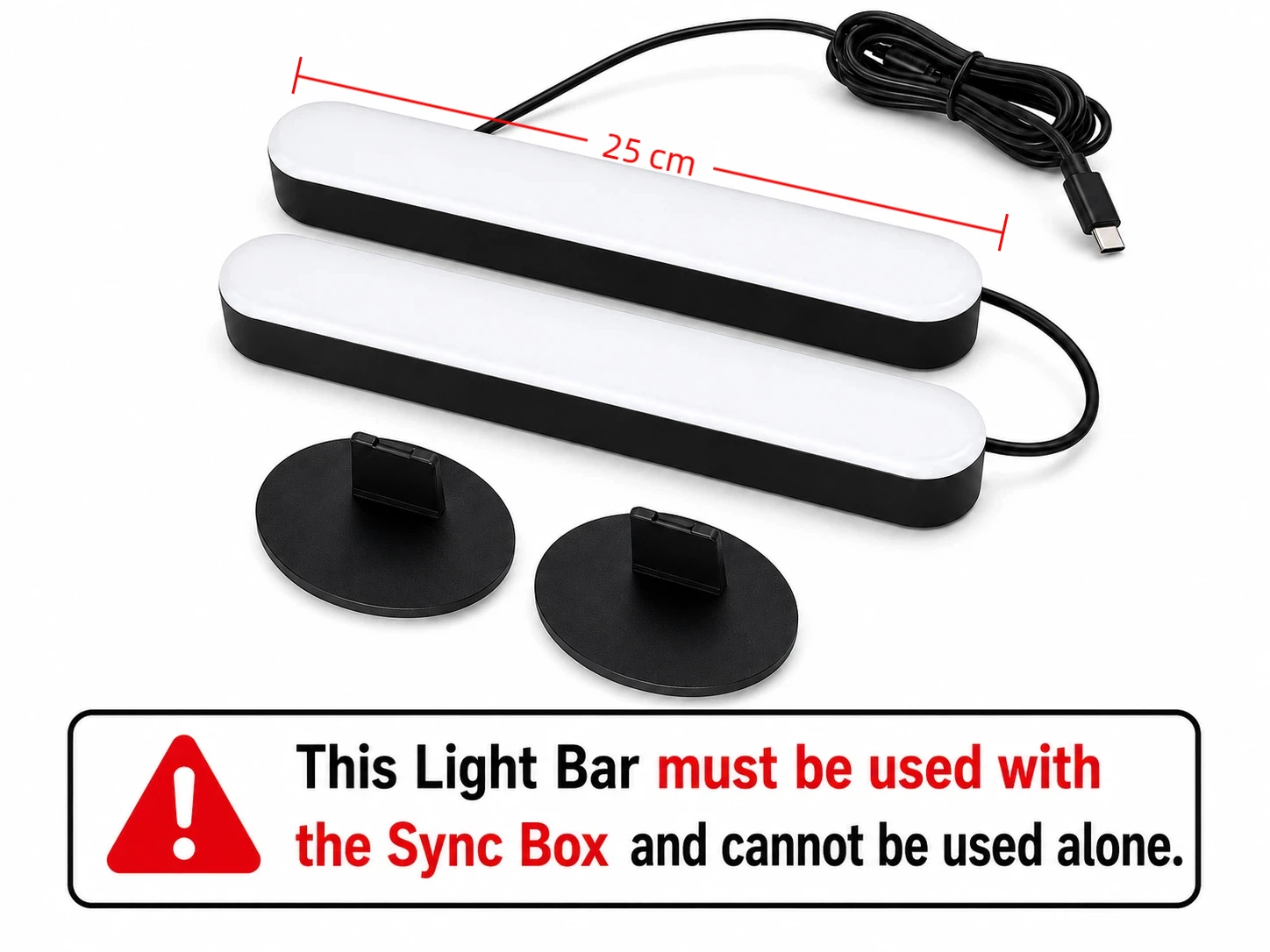
Light Bar Purchase Notice
No HDMI box? Click here to buy our Camera-Sync version (Works for all TV apps)
Why buy from TV & Projector Parts
- Fitment-checked, plug & play installation, no guesswork
- Free worldwide shipping on orders over $55.99
- 30-day easy returns · 12-month warranty
- Need help? support@avparts.site · WhatsApp +86 134-2894-7672