

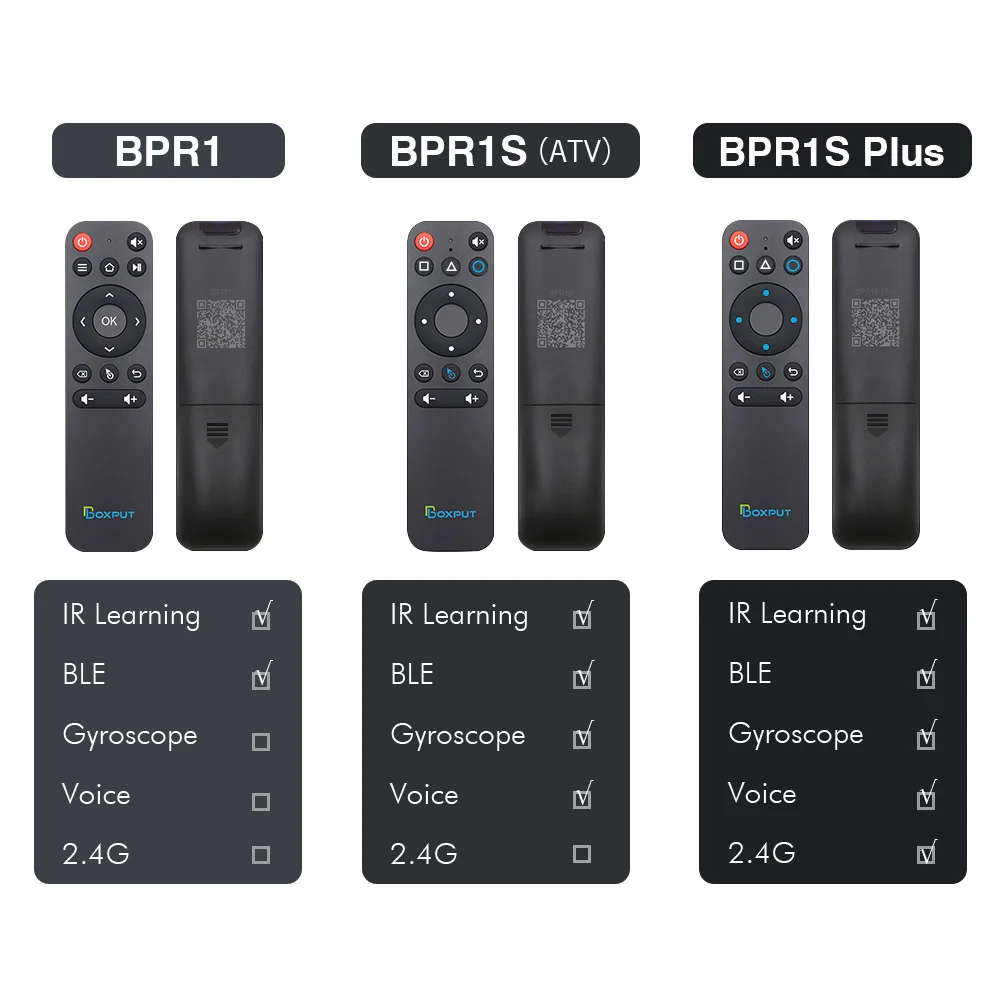
BOXPUT BPR1S Plus Bluetooth 5.0 Wireless Air Mouse IR Learning 2.4G With Gyroscope Voice Remote Control For Smart Android TV Box


BOXPUT BPR1S Plus Bluetooth 5.0 Wireless Air Mouse IR Learning 2.4G With Gyroscope Voice Remote Control For Smart Android TV Box
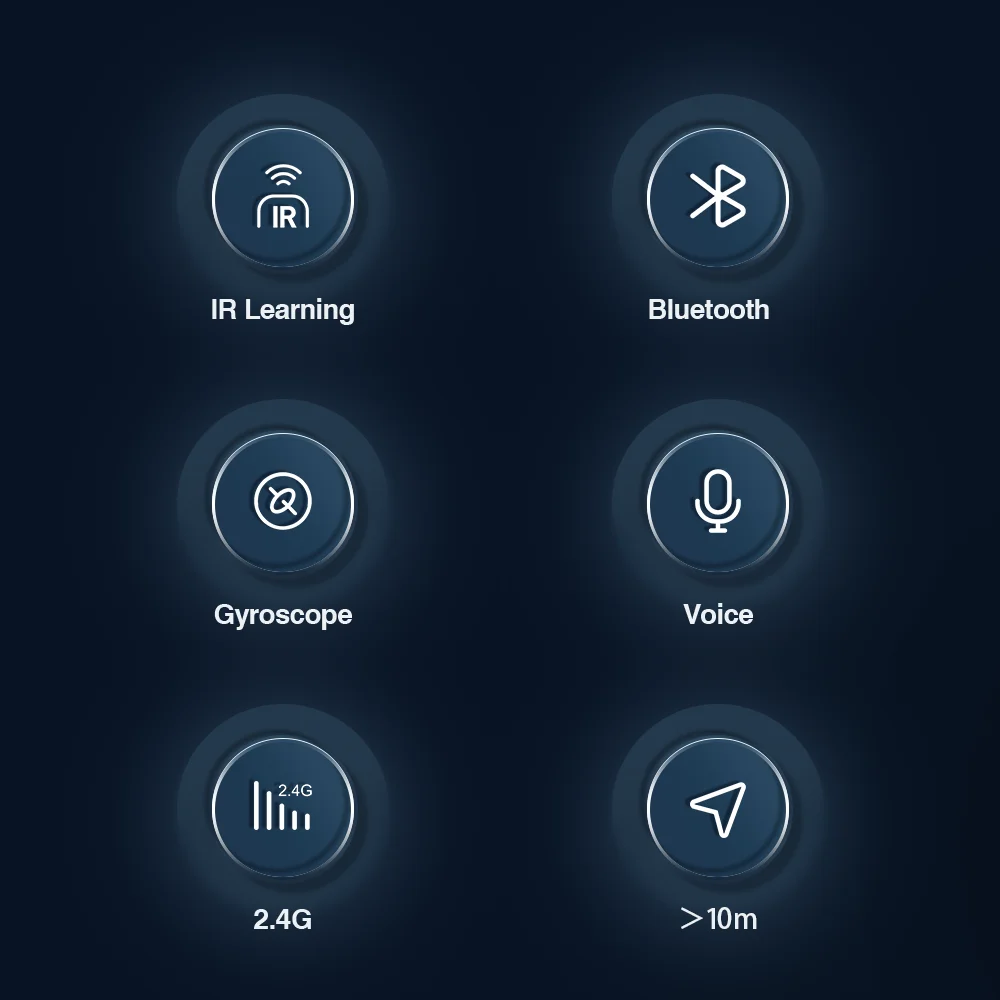
Bluetooth 5.0 Technology
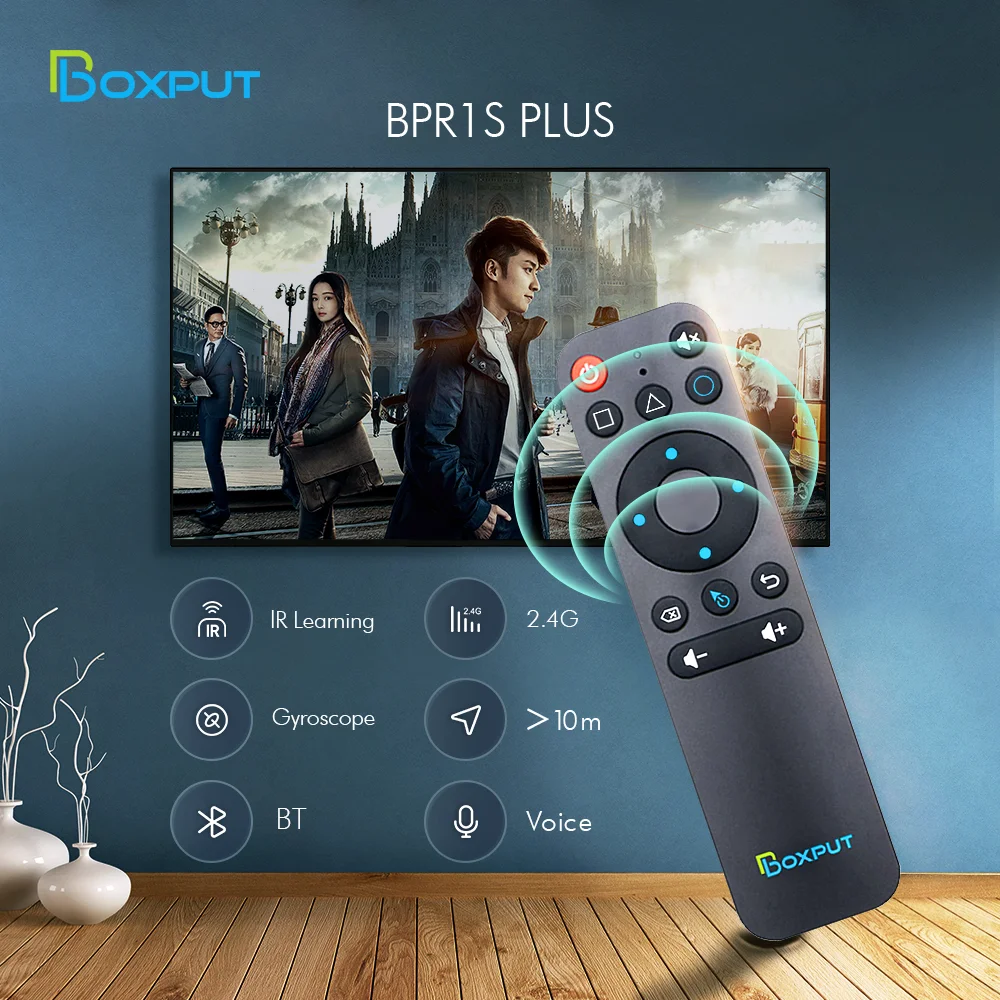
Experience seamless connectivity with the BOXPUT BPR1S Plus Air Mouse Remote. Built‑in BLE 5.0 delivers faster and more stable wireless communication.
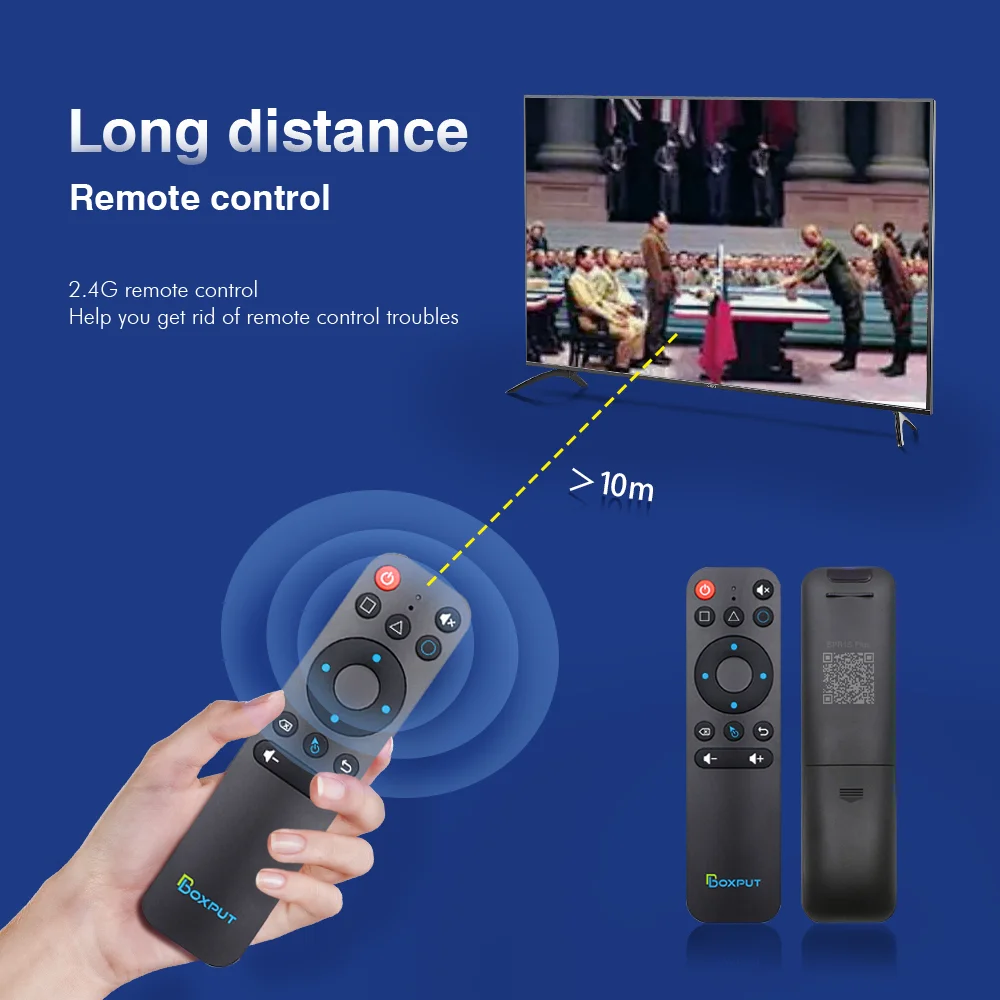
RF Wireless Communication
Enjoy uninterrupted usage with RF wireless technology, providing reliable connection between remote and target devices.
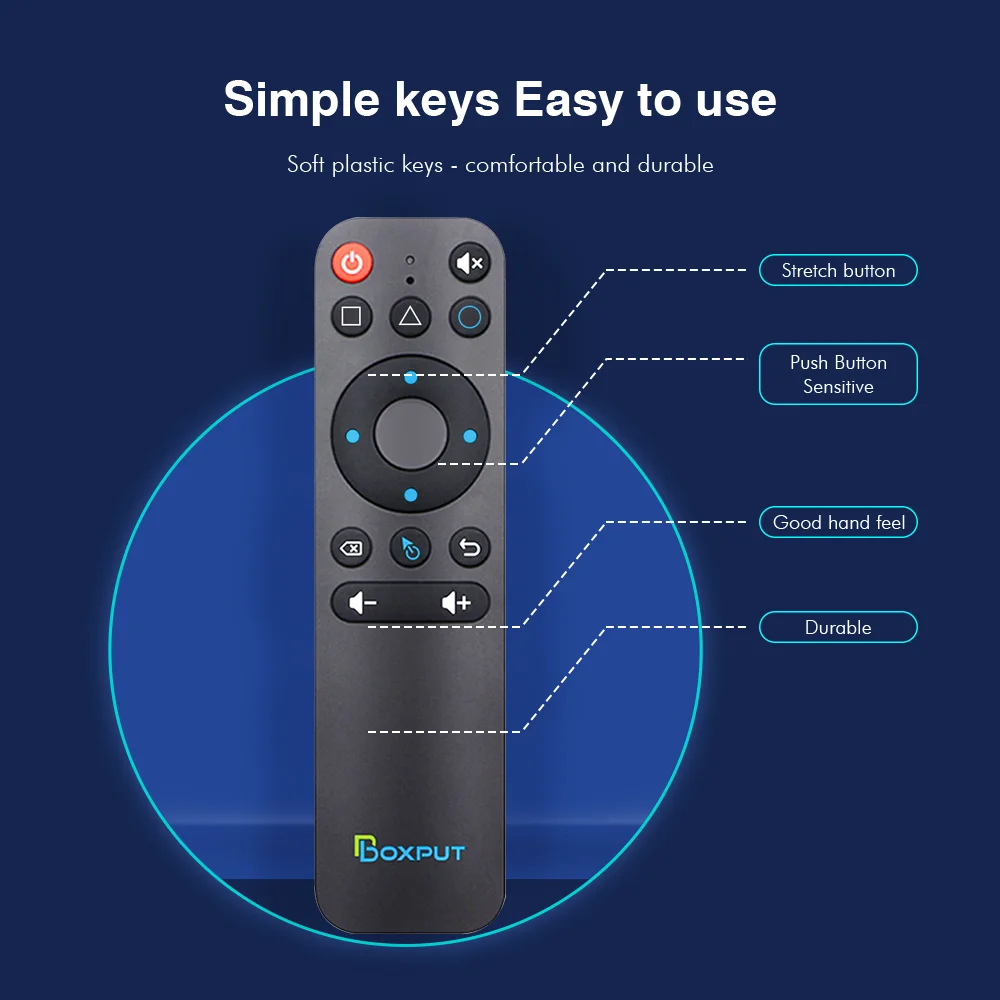
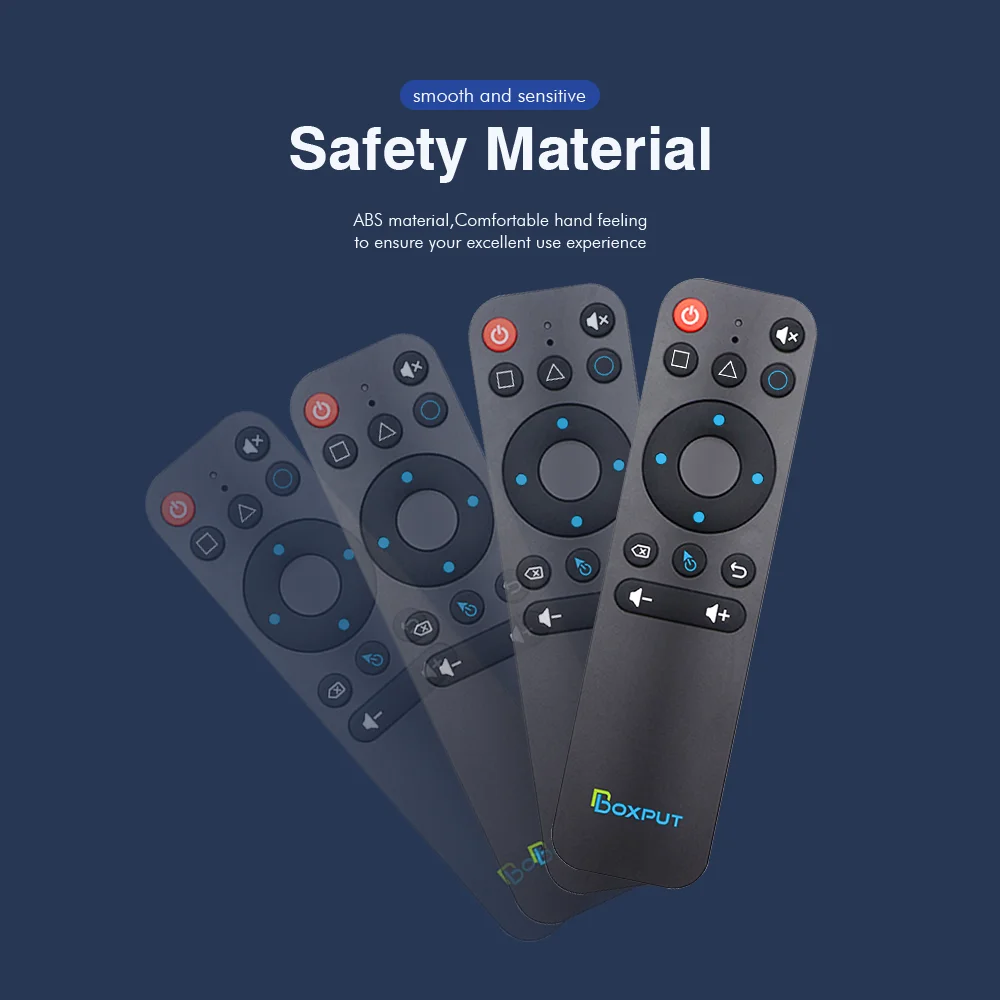
Compact and Portable Design
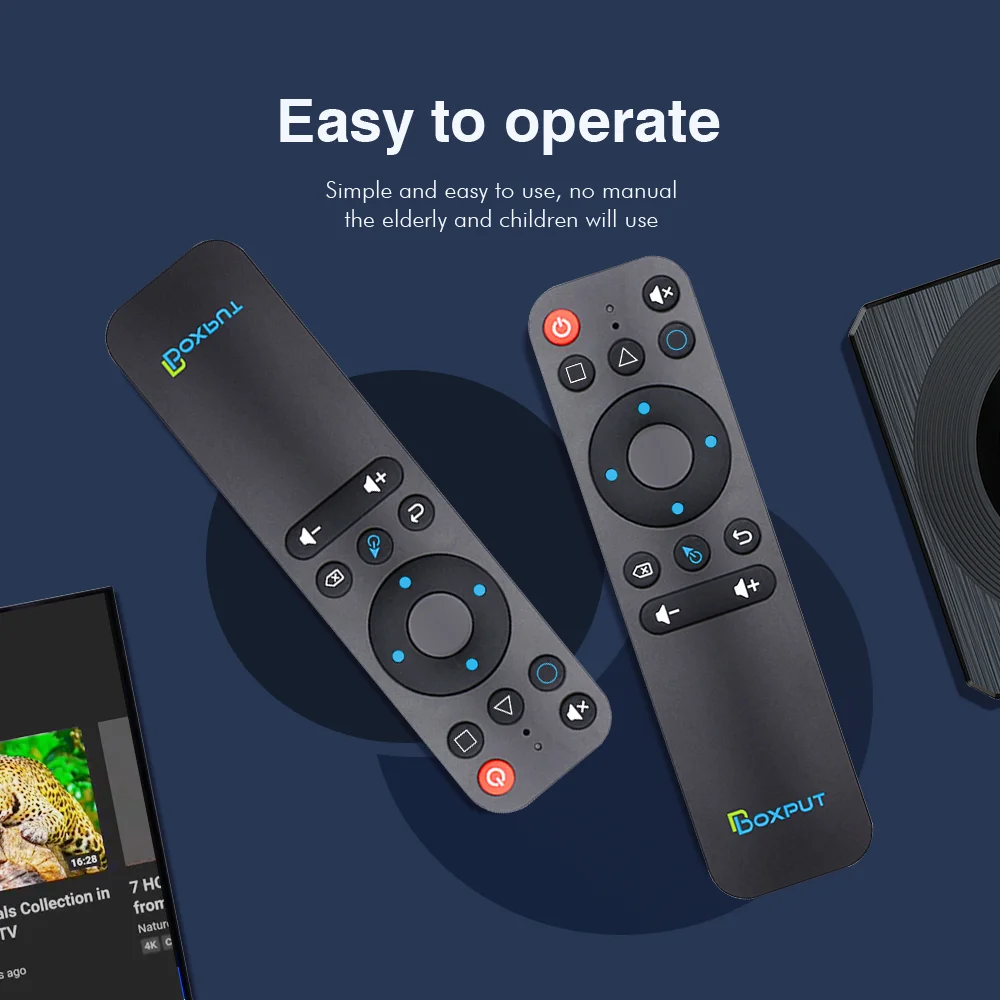
Compact lightweight body for easy carrying, ideal for home multi‑scene control.
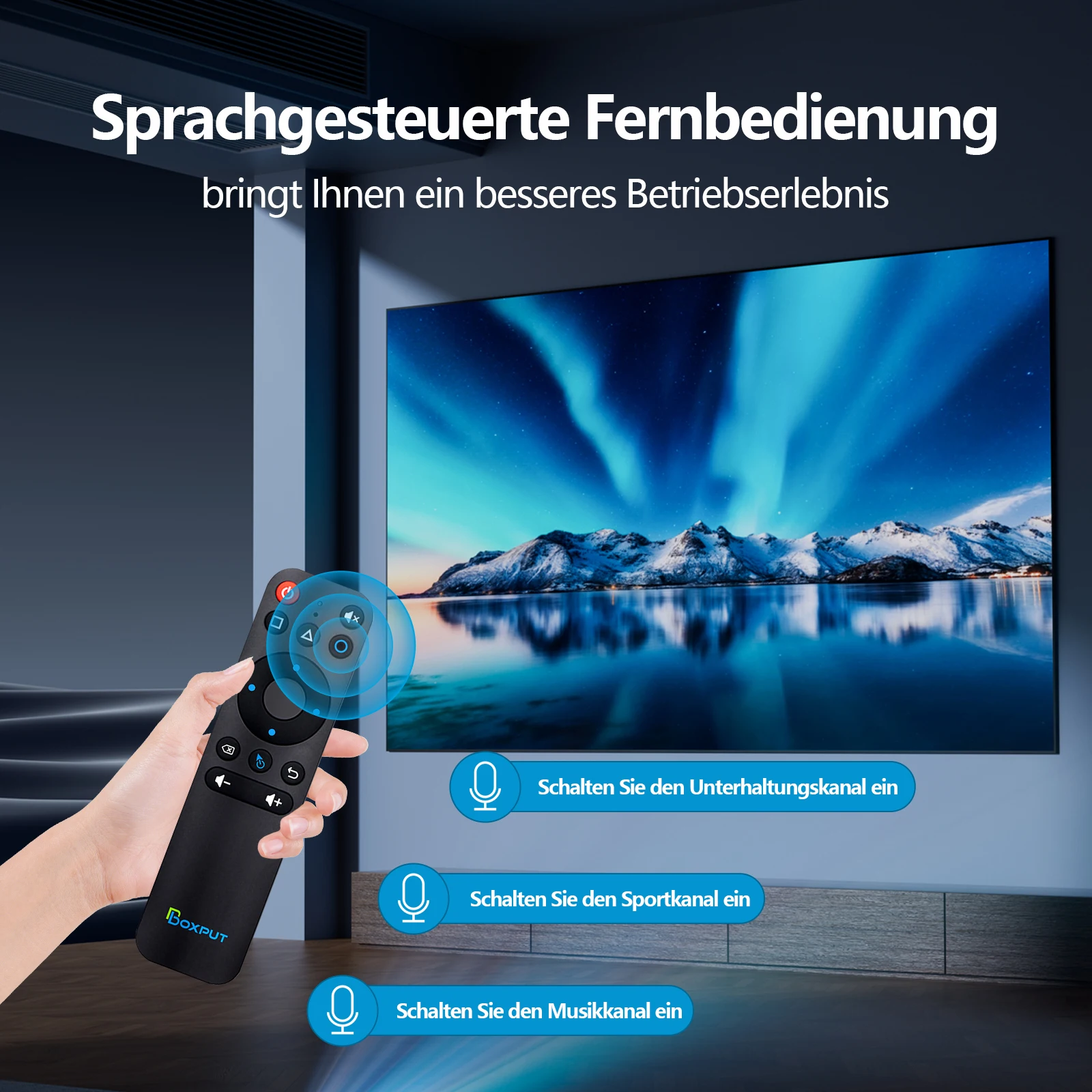
Voice Control Feature
Convenient voice navigation for Android TV Box and PC, bringing enhanced operating experience.
Certified Quality
Comes with CE certification to ensure safe and stable performance for home entertainment.
Bluetooth Pairing
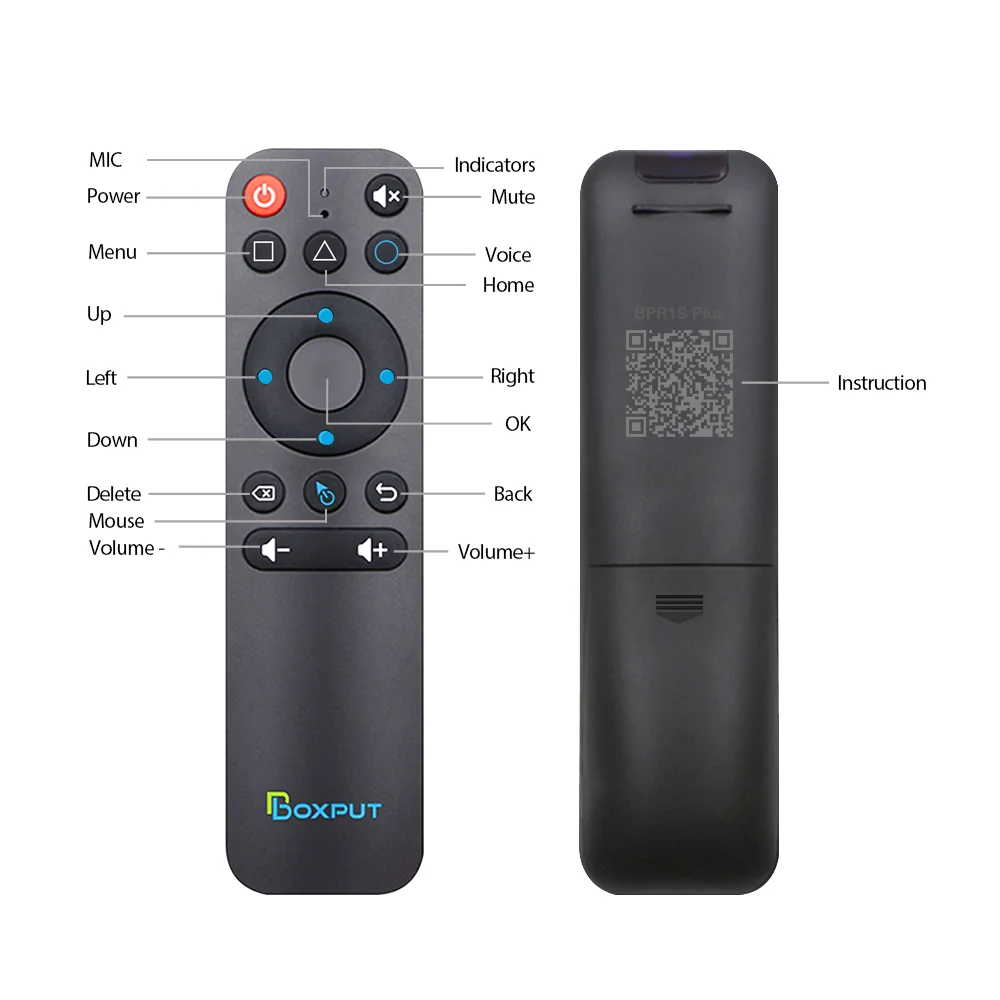
1. To pair with a new device, press "OK" and "Back" simultaneously until the indicator light flashes.
2. Keep the remote within 1‑meter range of your device for faster pairing.
3. Turn on device Bluetooth and pair with device name "BOXPUT | BPR1S Plus".
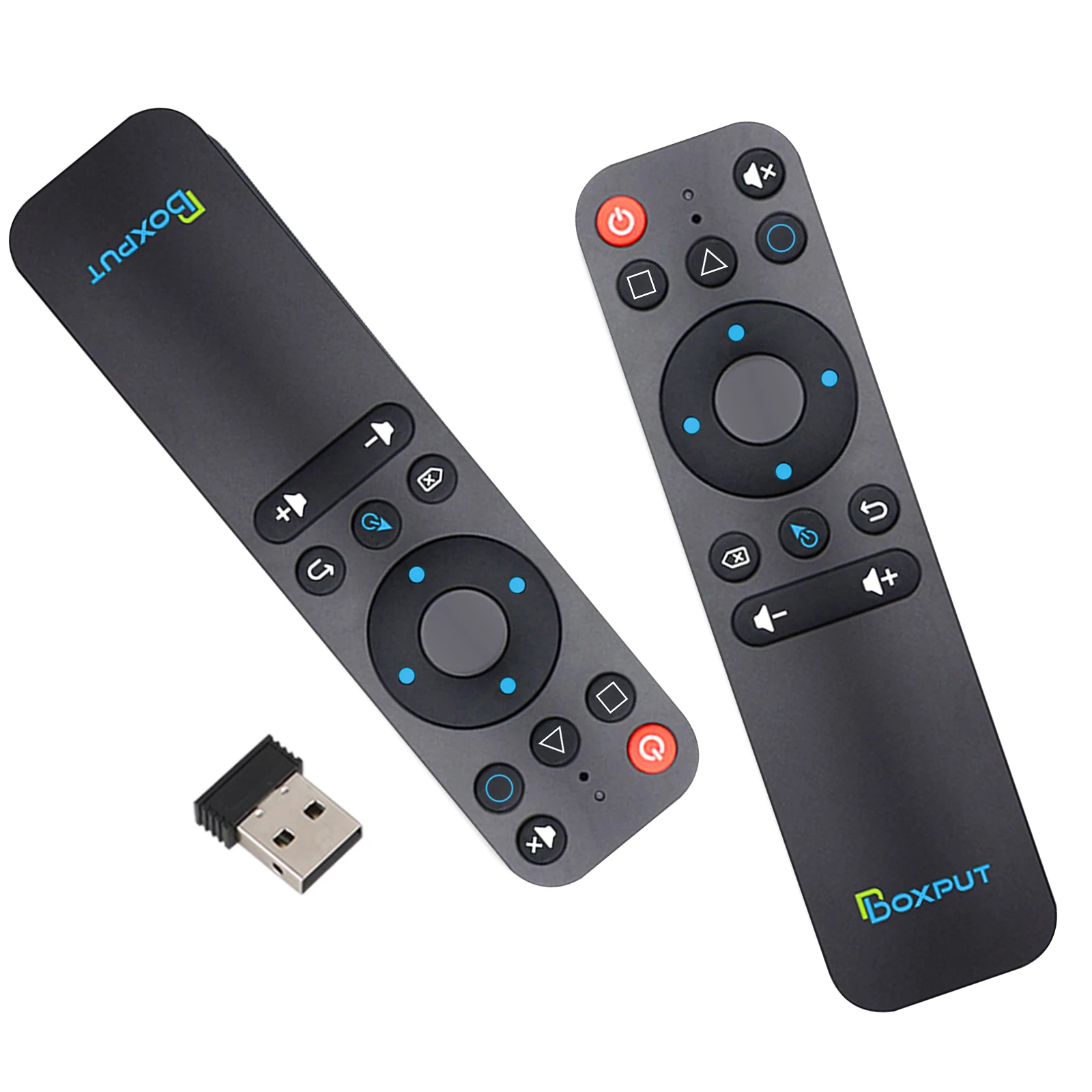
2.4G Pairing
1. Press "OK" and "Back" simultaneously until indicator light flashes.
2. Plug in the USB receiver, place remote within 5 cm near USB receiver for pairing.
3. Indicator stops flashing means pairing completed.
IR Learning (All Buttons Supported)
1. Hold target learning button for 8 seconds; release when indicator stays solid‑on after flashing.
2. Align infrared windows face‑to‑face, press corresponding button on original remote. Flashing indicator indicates learning success.
3. Repeat above steps to complete other key learning.
4. Press "Delete" and "Back" together until light flashes to clear stored IR commands.
Highlights
1. Buttons work under IR mode when Bluetooth connection is disconnected.
2. Only Power button outputs IR signal under Bluetooth connection status.
3. Short‑press "OK" + "Volume +/-" to adjust air‑mouse cursor moving speed.
4. Full‑button IR learning is available under IR mode; air‑mouse function will be disabled.
5. Under Bluetooth mode: Voice function works for most ATV‑standard devices; partial third‑party smart devices may have incompatibility.
6. Under Bluetooth mode: Voice function cannot guarantee full compatibility with all AOSP Android devices.
7. Under 2.4G mode: Voice function supports AOSP Android and ATV devices.
8. Some ATV televisions may encounter abnormal operation on Google account login page under 2.4G mode.
9. Avoid using air‑mouse cursor mode on Google account login screen, otherwise OK‑key response may fail.
10. Without IR‑learning records, buttons run purely under 2.4G or Bluetooth function.
11. Once IR‑learning records are saved, Power button will send IR signal with priority under 2.4G or Bluetooth working mode.

Why buy from TV & Projector Parts
- Fitment-checked, plug & play installation, no guesswork
- Free worldwide shipping on orders over $55.99
- 30-day easy returns · 12-month warranty
- Need help? support@avparts.site · WhatsApp +86 134-2894-7672